Why Blender Secrets?
These books are the result of 8 years of using and learning Blender, and sharing what I learn as efficiently as possible. My goal is to help you avoid the struggle and overcome the obstacles, so you can just create what you want.
Who is this for?
The information in the book is not aimed at any specific level of Blender user, and some topics are for complete beginners while others are for intermediate and even advanced users. I always aim to provide clear instructions and show all the necessary steps. If you’re trying to make characters, environments, hard surface props, game or film assets, there will be something in these books for you. Even for those of you wanting to do 3D printing, you’ll find plenty to learn in these books.
Will there be a discount?
I don’t do sales anymore, but you can always save money by buying things in bundle. For example there’s the Super Discount Bundle, where you get 5 video courses and the books, with 40% discount. There are also other bundles available, you can check them out here.
What’s in the books?
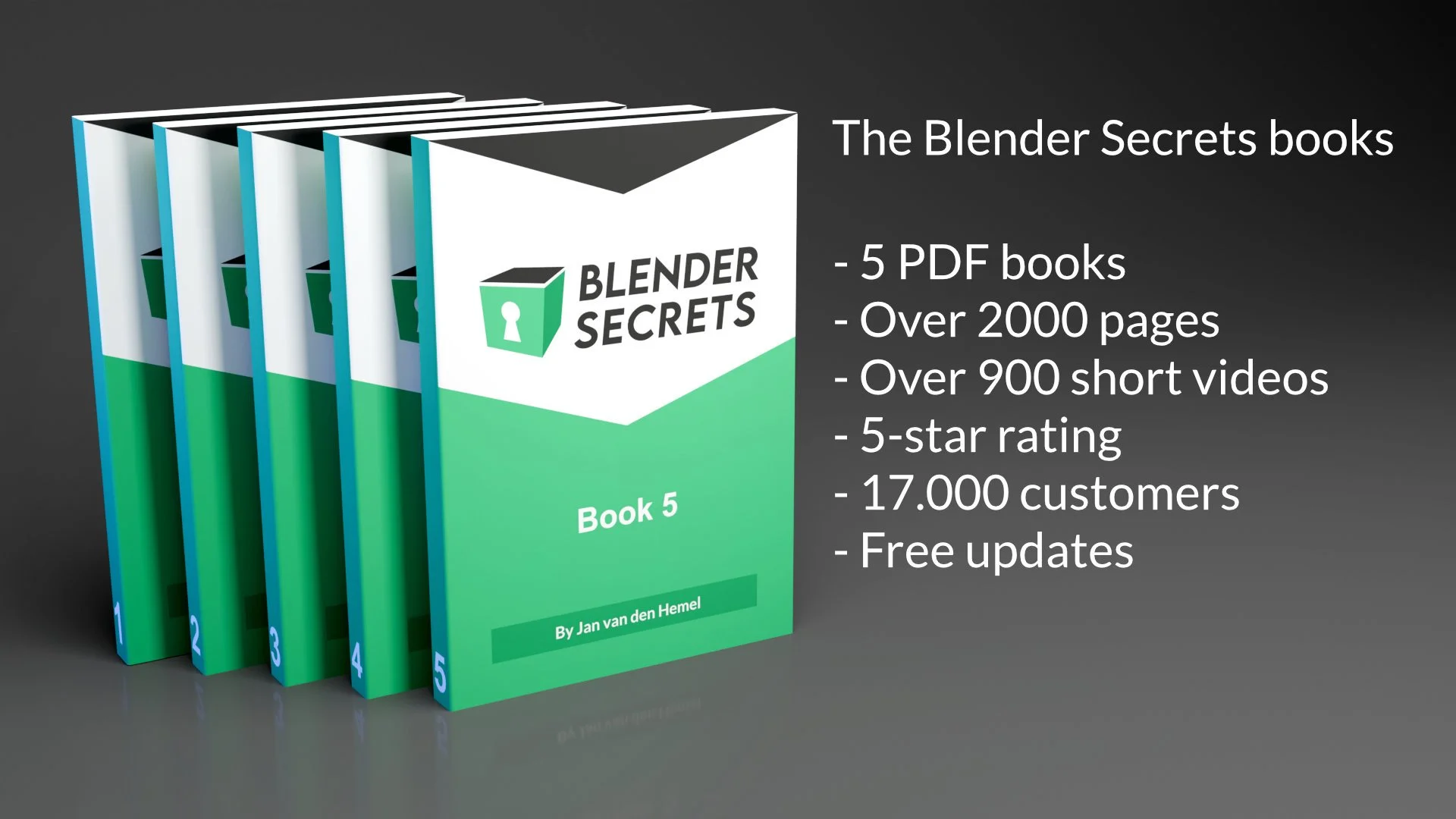
There are 5 PDF’s totaling over 2000 pages of Blender tips and knowledge. Here’s a detailed overview:
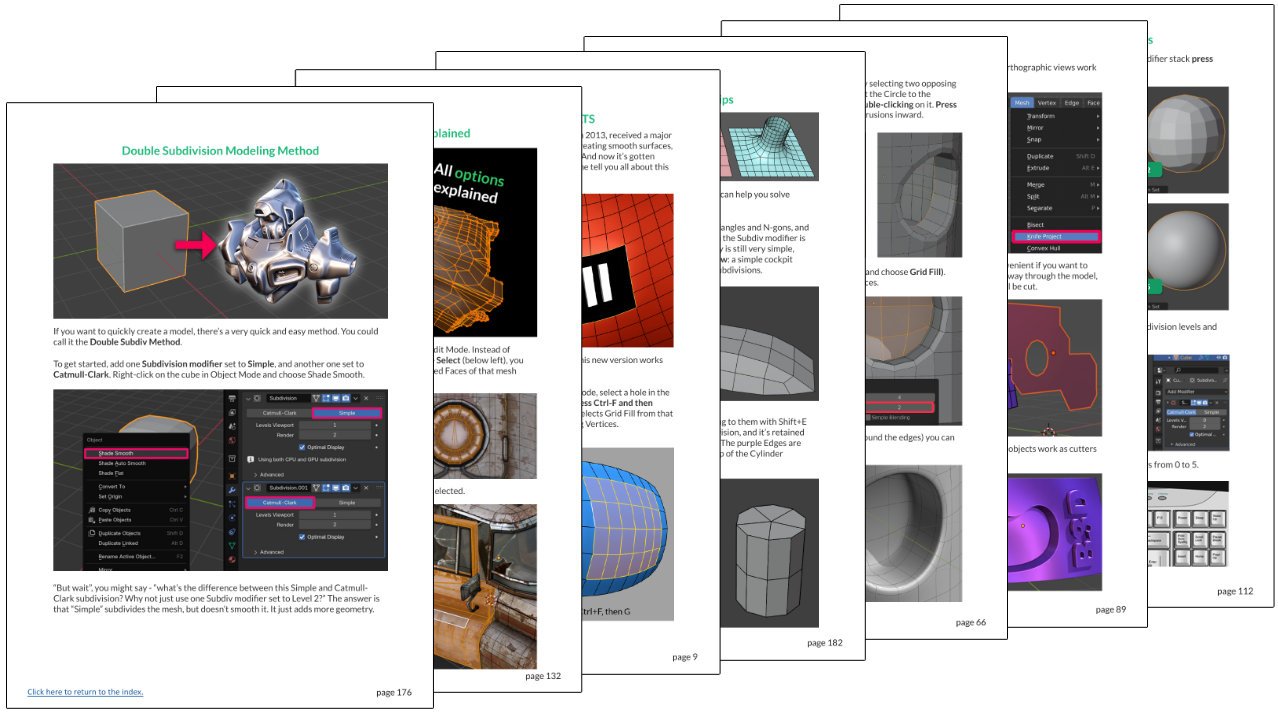
Book 1 - Modeling basics, N-gons and Quads, modeling from photographs and more
This book mainly deals with modeling topics. It starts off with “Modeling Basics”, going over many of the essential modeling tools. Then we dive further into modeling tips and tricks, for example showing how to quickly create a robot with quad topology, or how to model from photographs.
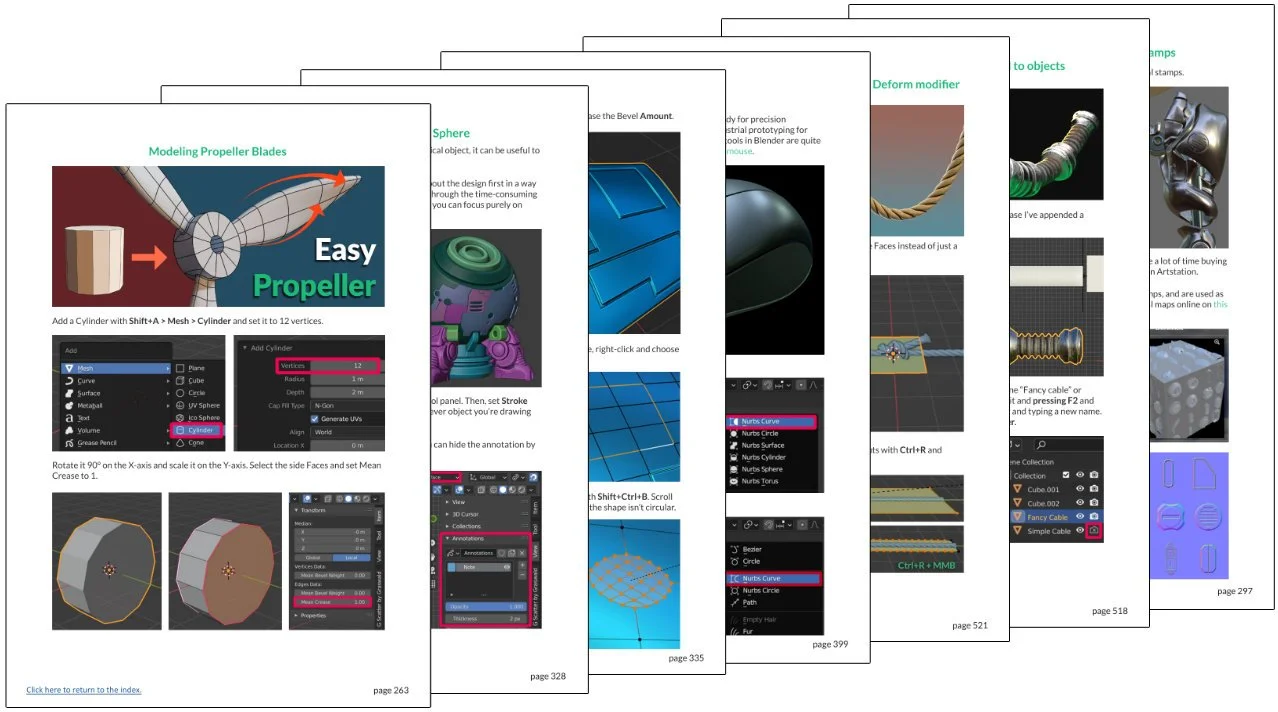
Book 1 continued - Booleans, Low poly modeling, Pipes cables and ropes, mini-projects and more.
Continuing with book 1, we look at the boolean modeling workflow, low poly modeling, making pipes, cables and ropes and how to use some physics to animate those. Some of the modeling topics are in-depth looks at specific tools, others are mini-projects where we model something simple like a propeller or a pillow.
Book 2 - Sculpting tips
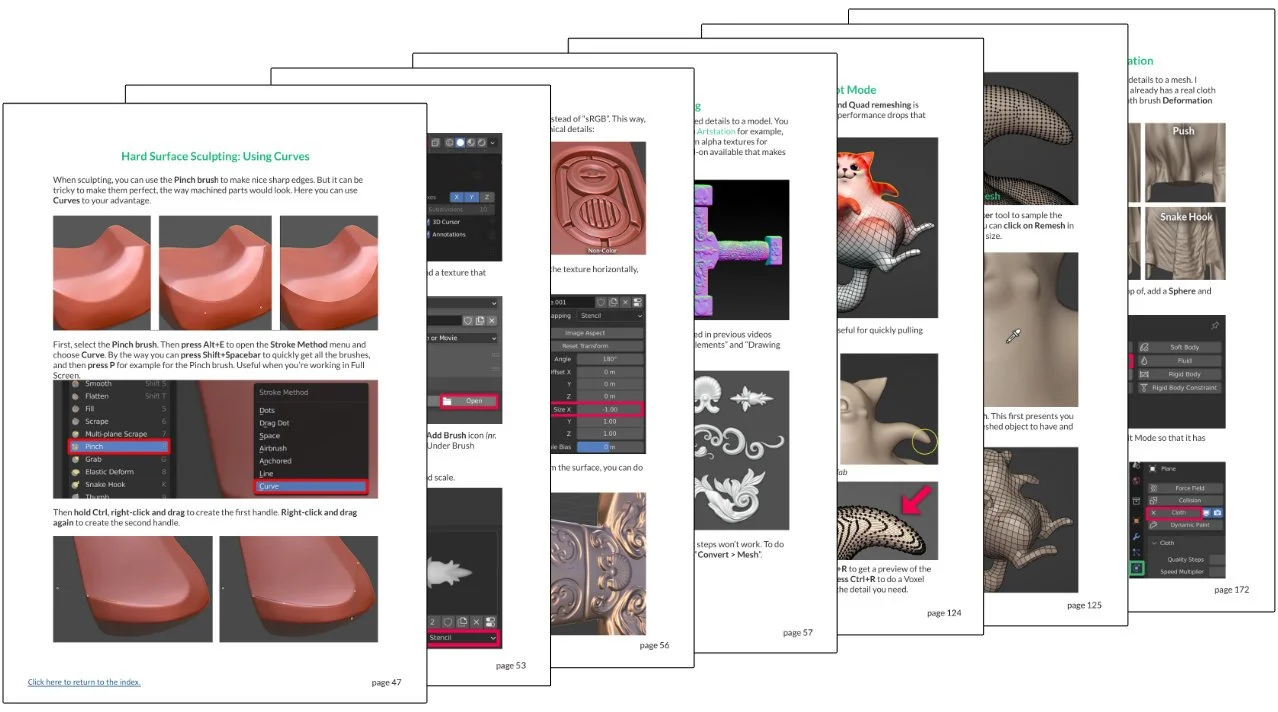
In this book we dive into the topic of sculpting in Blender. Both organic and hard surface sculpting are explored, and we look at the essential sculpting tools. We also look at using and making Alpha brushes, vector displacement maps and more. There are also many tips for making character clothing using sculpt tools.
Book 2 continued - Retopology, UV unwrapping and Texture painting tips
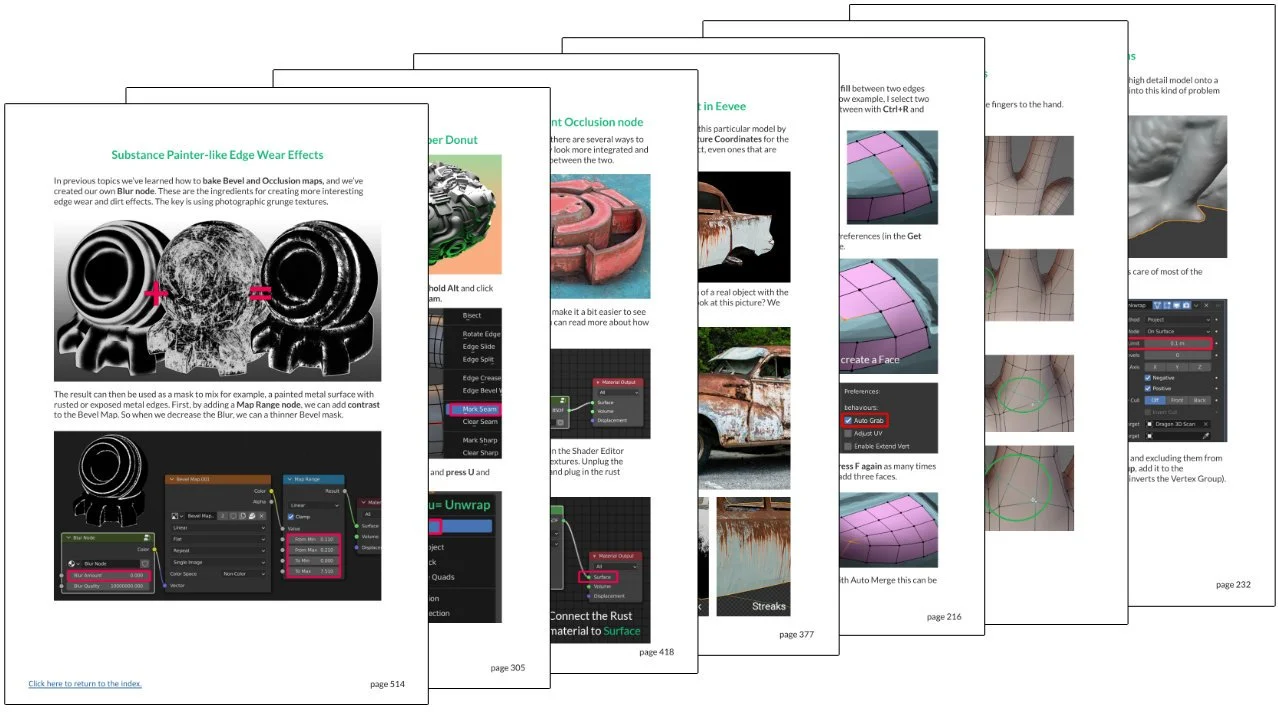
Of course sculpting then requires retopology, so that’s what we look at next. This book contains many great retopology tips. After those topics, there are many UV unwrapping tips as well as Texturing, Material and Texture Baking tips, like how to create edge wear, manually paint textures and how to use and bake things like Normal maps.
Book 3 - Architecture visualisation, environments and nature, and clothing
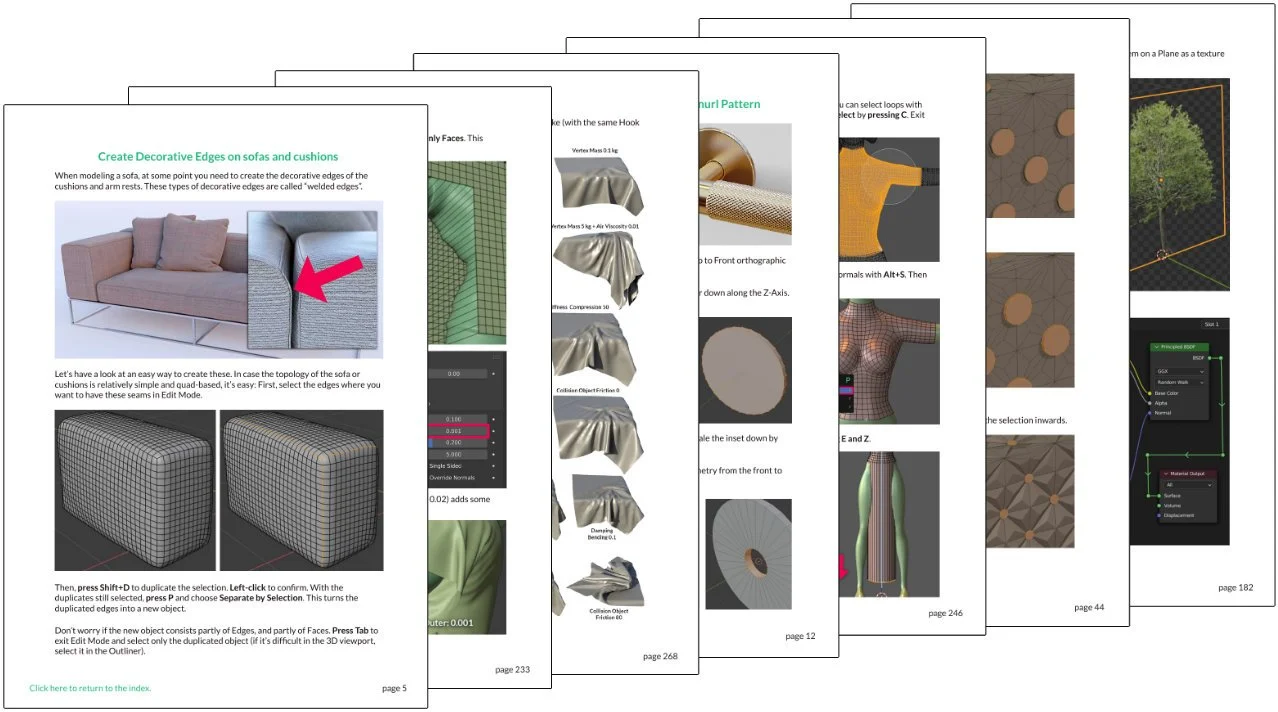
We’re back to modeling in this book, with topics specifically dealing with “architecture modeling”, in other words how to create assets for environments, such as pillows, curtains and more. We then look specifically at environment creation, with a lot of tips for creating nature assets like trees. We looks at methods for scattering plant assets, and seamlessly mixing 3D scanned assets with hand-made ones. After that, we have a look at some workflows for creating characters and different approaches for modeling clothing.
Book 4 - Animation, Rigging, Simulations and Grease Pencil
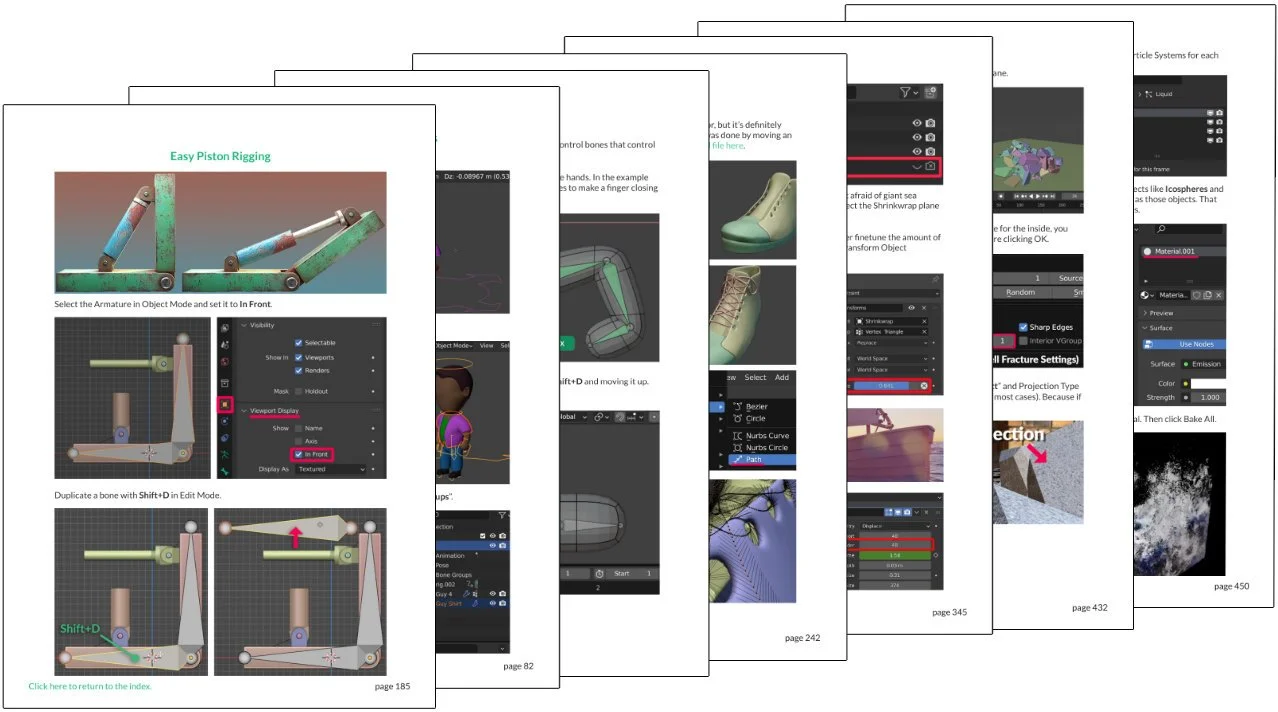
After all this modeling and sculpting, book 4 looks at animation! First, we have a look at Grease Pencil, which can be used to create 2D animation in Blender. Then, we look at Rigging, which is where we give character models a “skeleton” that we can use to animate them. We look at easy rigging methods, as well as manual ones. And how to add drivers and shape keys for muscle deformation, and how to use inverse kinematics and forward kinematics (IK and FK). And much more! There are also more general animation topics, character animation tips and many topics about simulations like how to create explosions, fluid simulations and more.
Book 5 - Rendering, lighting, BNPR toon-shading, compositing and UI tips, and 3D vocabulary
Now that you know all about modeling, rigging, textures and animation you’ll want to render things! That’s where this book comes in. This book has many tips for lighting your scene, animating the camera, and finally rendering. It also has some compositing tips, and a whole section on workflow and interface tips, to help you work in Blender more efficiently. Finally there’s a 3D vocabulary, to explain the many technical terms you might run into on your 3D journey.
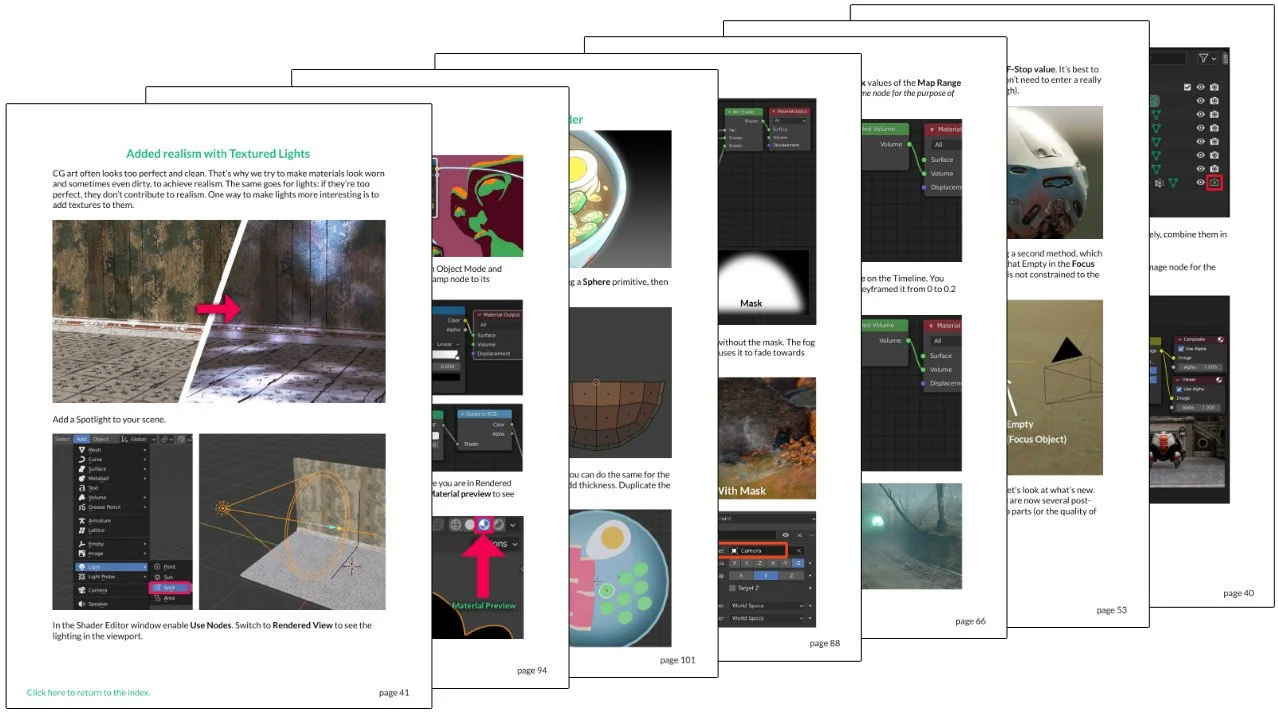
What else do I get?
If 2000+ pages of tips and tricks are not enough for you, there’s more: You can download hundreds of short videos (the ones you might have seen on my social media channels) so that you can watch them distraction-free and offline. A lot of my old videos have been automatically converted by YouTube to “shorts” (against my will, and they can’t be turned back to “normal”), making them both difficult to find and watch. When you download them, or watch them by clicking on the titles in the book, you can watch them as originally intended.
But that’s not all! On Teachable, you can choose to either read the PDF’s in your browser or download them for offline reading, but you can also find each individual topic in the Curriculum, and there you can find everything pertaining to that topic: The video (or in some cases multiple videos), Blend files (if available for that lesson), and a comment section where you can ask questions about that topic. So if you’re confused about something, you can ask me directly for help.
How much does it cost?
The book costs 45 euro, plus VAT. Each book is valued at 15 EUR, so in total you’re getting 75 EUR of value for 45 EUR, so effectively a 30 EUR discount.
That’s too expensive for me, can I get it cheaper?
As a professional 3D artist, you should be able to earn at least 45 EUR per hour, so your time is very precious. I’m certain that my book will save you many hours (days, even), and you will gain many times that 45 EUR, thanks to the time saved with the tips and everything else you learn from my book.
But if 45 EUR is a lot for you, know that you can buy it in 3 installments of 15 EUR per month. For this option, you’ll need to buy it on Gumroad, and choose payment in installments. It may also be possible to do that on Teachable, but it depends on what payment methods are available at your location, and on which payment methods you personally have available. I can always enroll you on Teachable if you want, after buying it on Gumroad or somewhere else.
Why do I need to pay VAT?
VAT (Value Added Tax) is something added locally based on the rules set by your country’s government - that money goes to your government, not to me. In some countries, digital products have 0% VAT, in others 20%, or more. Since I have customers from all over the world, I can’t set a single price but rather have the sales platform calculate it for me depending on your location.
Where can I buy it?
I recommend buying the book on Teachable, as you’ll get more functionality (ability to ask questions under the topics, for one). But you can also buy it on Gumroad, Fourthwall, Blender Market and Flipped Normals.
Please use the platform that is convenient for you. Some people very kindly ask me where you purchase, so that I earn the most from it. With Superhive and Flipped Normals, about half of your money goes to those platforms, not to me. So if you care about that, I recommend Teachable or Fourthwall. But really, I’m happy to see people buy my book on any platform, and you should think about your own convenience.
I bought it on Gumroad / Superhive / Fourthwall / Flipped Normals, can I have access to Teachable?
Sure, just forward me your e-mail receipt and I’ll enroll you on Teachable. (It might take up to 24 hours for me to respond, I get a lot of mails).
I don’t remember how to log in / have trouble downloading!
You probably purchased it on Gumroad, so you’ll need to use the exact e-mail address you used when purchasing in order to log in and find your purchases there. For some reason, a lot of people try to log in on Teachable after buying the book elsewhere, causing confusion. All those platforms are independent companies, and have no connection to each other. The only way to log in on Teachable if you purchased it on Gumroad is by asking me to manually enroll you, which I’m happy to do.
If you’re stuck, please just send me an e-mail and I’ll be happy to help either find your purchase records or to enroll you on Teachable.
Meh, a book’s not really my cup of tea. What else you got?
Oh, I also have 5 video courses. You can check them out here!
Are you looking for short, efficient Blender tutorials?
Well, good news. 3D Secrets is home to hundreds of one-minute or less video tutorials that teach you specific topics.
And whether you are a beginner or a seasoned pro, you’ll definitely learn something new. Prefer to read something instead?
The 2000+ page book should keep you busy for a while. Or just download the free 30+ page e-book right now!

Blender Secrets E-Book
2000+ pages & 900+ short videos
€ 45.00 + VAT
Get the free sample (enroll on Teachable)
Get the free sample (sent to your e-mail as PDF)

Beginner Hard Surface Modeling (New!)
17 hours of Hard Surface Modeling Tutorials
+ more content being added
€ 59.99 + VAT
Get the free sample

Hard Surface Sculpting in Blender
6 hour video course
+ Alpha brushes and tiling maps
€ 49.99 + VAT
Get the free sample

Hard Surface Bundle
2000-page Blender Secrets E-Book + Videos
6 hours Hard Surface Sculpting Course
17 hours Hard Surface Modeling Course
4 hours Drag & Drop Materials Course + Assets
5.5 hours Pocket Blender Modeling course
Total price = € 227.96 + VAT
Bundle price = € 136.78 + VAT (save € 91)

Mech Material Mastery
4 hour video Course
+ Drag and Drop materials (Cycles)
€ 49.99 + VAT
Get the free sample
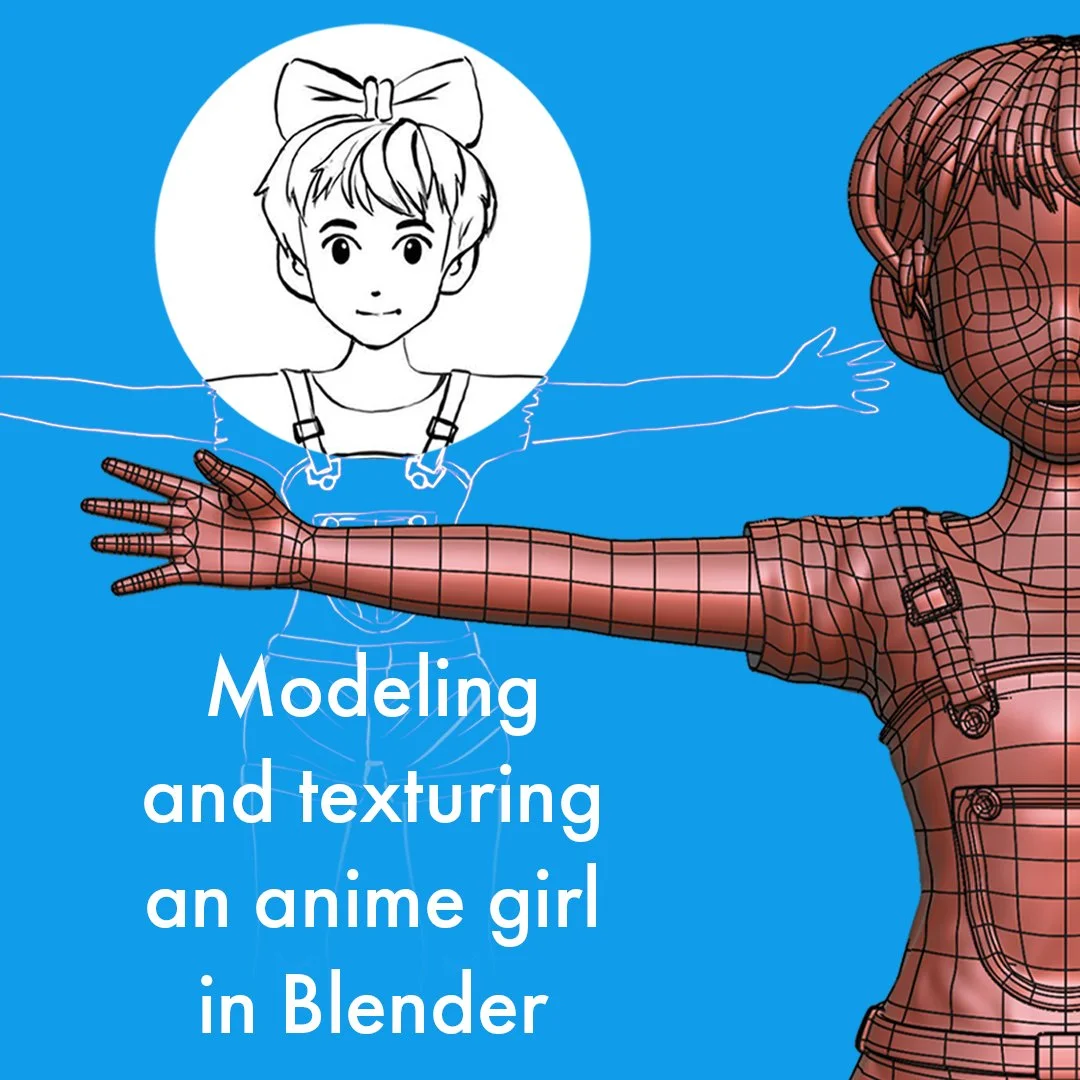
Anime Character Creation
8 hours of Video tutorials
Modeling, texturing and rigging
€ 29.99 + VAT
Get the free sample
“This book is you best friend expert in Blender sit next to you to answer any questions should you need. A distilled, organized and straight-to-the-point source of knowledge on Blender. Cherry on the cake, you'll get free updates lifetime. Great job.” ⭐⭐⭐⭐⭐
Giuseppe Caruso
“Without a doubt the most essential learning companion for Blender. Whether you are new or a seasoned veteran in Blender you are guaranteed to learn from this amazing book. Beautifully presented in easy and digestible chunks with commentated videos. A stunning collection of tips, trick and tutorials. 10/10” ⭐⭐⭐⭐⭐
Rich O'Brien
“It's an encyclopaedia for blender. My go to whenever I am stuck in any topics.” ⭐⭐⭐⭐⭐
Ravi Iyer
“Best Blender book ever!” ⭐⭐⭐⭐⭐
Alex Pintea
Why do I create Blender Secrets?
Hi! Allow me to introduce myself. My name is Jan and you may know me from my “Blender Secrets” on Instagram, YouTube or elsewhere. The reason I started making these tips is because even as a professional Blender user, I still often need to look things up and could not find a good source of efficient, short tutorials.
Wouldn’t it be great if these topics were addressed in under 1 minute? Of course, not everything can be shown in 1 minute, but a surprising amount of things can! The Blender Secrets e-book collects these Blender tips in written form, so you can learn them at your own pace.
The 30-page e-Book that you can get for free by subscribing to my newsletter, will hopefully give you a good idea of what to expect in the full, almost 2000-page (and always growing) e-Book.
Below you can see some of my latest 1-minute videos.